
 Join our Discord
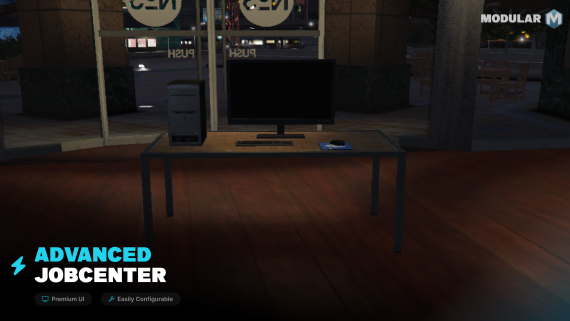
Modular Jobcenter
This is an advanced jobcenter for FiveM with immersive interactions.
Key Features
- Easily Configurable: We've tried to make as easy as possible to edit the configuration.
- UI: The jobcenter offers a clean and simple user interface making it easy for the player to interact.
- Performance Optimized: This script is optimized as much as possible.
- Job Location: The player can easily find the locaiton of a job.
Requirements
- A framework that supports giving a player a job
- Any notification system
Installation Instructions
1. Download the script.
2. Extract the folder into your server's resources directory.
3. Add [start/ensure modular-jobcenter] to your server.cfg.
4. Configure the script in the config.lua file to suit your server’s needs.
5. Restart your server or use the refresh and start modular-jobcenter commands.
Configuration Options
- ComputerCoords = vector4() -- Where the table with the computer should be placed.
- Strings = {} -- This is a table of all the strings used in the scripts.
- ScreenWidth = 1500 -- Amount of pixels on the x-axis of the monitor.
- Jobs = {} -- This is a table of all the availablejobs shown.
- DrawText = true -- Used for showing a 3D text instead of using target.
- DrawTextCoords = vector3() -- Where the text will be placed
- OpenKeybind = "E" -- The keybind used for opening the UI when using DrawText
-- The last 3 functions in the config are used for adding support for other targets and/or frameworks.
Support & Feedback
You can create a support ticket on our discord if you need support with the script
- Discord: https://discord.gg/6FSfFeRRVB